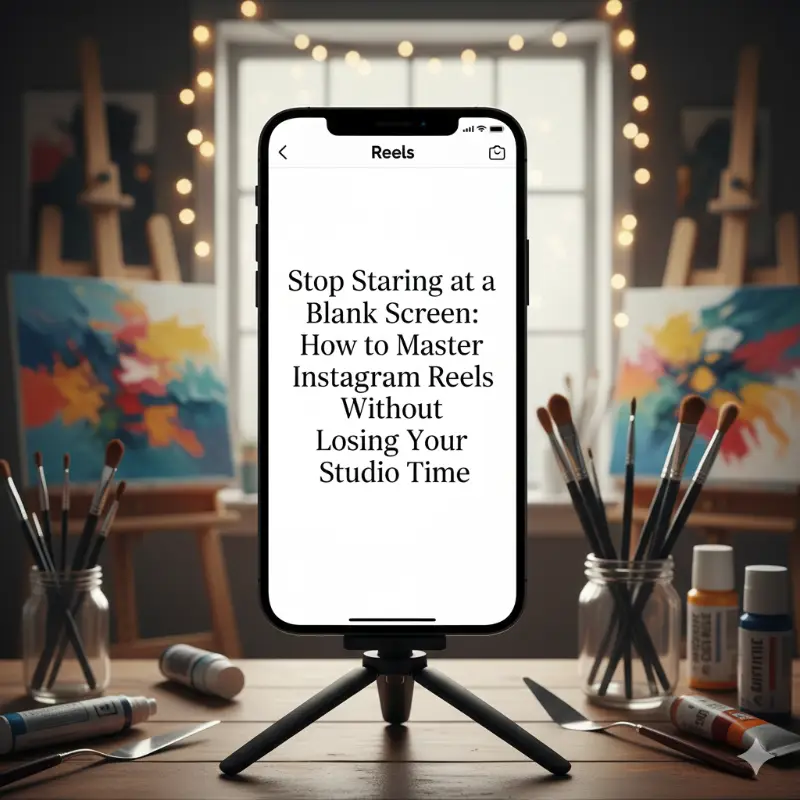
You’ve just finished a masterpiece. The lighting is perfect, the colors are vibrant, and you’re ready to show the world. But then, the "marketing dread" sets in. You know you need to post an Instagram Reel to reach new collectors, but you’re stuck. What audio is trending? How do you edit a video that doesn’t feel cheesy? Should you show your face or just the canvas?
For many artists, the pressure to become a full-time video editor on top of being a creator is exhausting. Instead of picking up a brush, you spend hours scrolling for inspiration, feeling more overwhelmed than when you started.
The Content Trap: Why Reels Feel So Hard for Artists
In today's digital gallery, video is no longer optional. The Instagram algorithm prioritizes Reels, making them the most effective way for painters, illustrators, and digital artists to find a global audience.
However, the "content treadmill" can lead to serious creative burnout. When you spend more time worrying about transitions and hashtags than your actual technique, your art career starts to feel like a chore. The struggle to stay relevant shouldn't come at the cost of your creative soul.
Introducing the Brushly Palette: Your Personal Instagram Reel Strategist
What if you had a studio assistant who understood your specific niche and handed you a storyboard for every post? Enter the Instagram Reel Ideas feature in the Brushly Palette.
This tool is designed to bridge the gap between your physical art and the digital world. It doesn't just give you "generic" advice; it provides creative, short-form video concepts that align specifically with your medium and style to drive real engagement.
How the Reel Ideas Feature Transforms Your Workflow
Brushly takes the guesswork out of social media marketing so you can focus on the work that matters. When you use this feature, you get a complete production plan for your next viral video:
Tailored Content Structures: Get a scene-by-scene breakdown of what to film, from the first hook to the final reveal.
Key Visual Moments: Brushly identifies the most "satisfying" parts of your process to capture on camera.
Audio & Caption Templates: No more searching for music or struggling with descriptions. You’ll receive trending audio suggestions and ready-to-use captions.
Engagement Triggers: Learn exactly how to turn a "like" into a conversation with strategic calls-to-action.
Strategic Timing: Know exactly when your specific audience is online with data-backed best posting times.
How to Use It: From Idea to Upload in Minutes
Ready to fill your feed with professional content? Here is the simple workflow:
Log In to Brushly: Open your dashboard and navigate to the Instagram Reel Ideas tool.
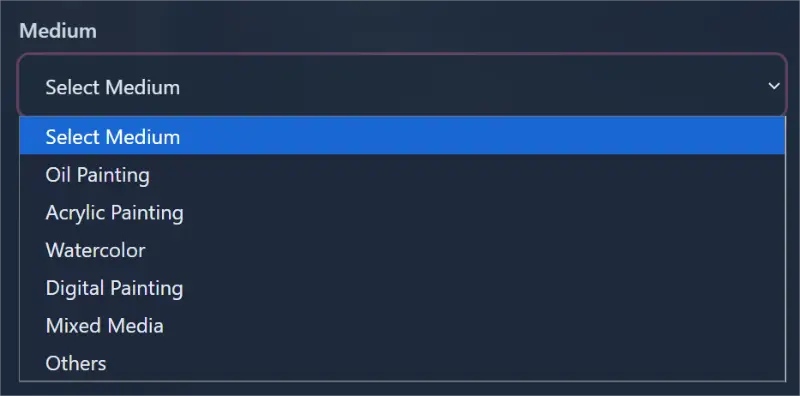
Select Your Medium: Choose from options like Oil Painting, Acrylic, Watercolor, Digital, Mixed Media, or Other.
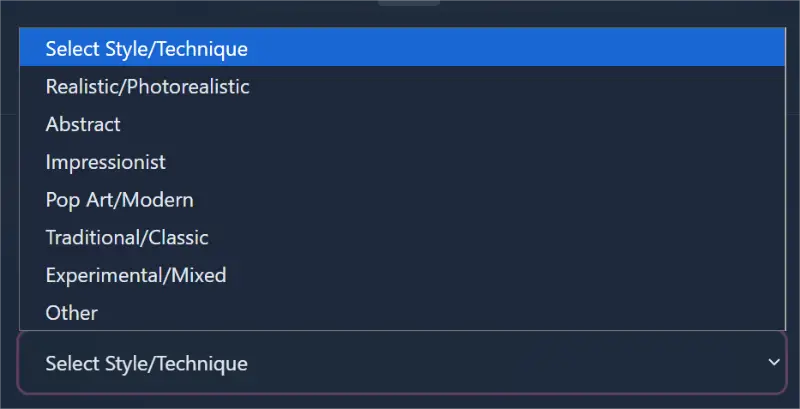
Define Your Style: Tell your assistant if your work is Realistic, Abstract, Impressionist, Pop Art, Traditional, or Experimental.
Click "Get Reel Ideas": Instantly, Brushly generates a variety of unique video concepts tailored to your artistic voice.

Follow the Storyboard: Pick an idea, follow the suggested Content Structure, use the Caption Template, and post at the Best Posting Time provided.
Turn Your Process Into Your Most Powerful Marketing Tool
You don't need a film degree to grow an art business; you just need a better system. By using Brushly as your studio assistant, you can turn a 30-second "mistake" or a simple color mix into a high-performing Reel that attracts buyers while you're back at the easel.
Stop letting the algorithm dictate your day. Let Brushly handle the strategy so you can get back to the studio.
Log in to Brushly today and start growing your art brand effortlessly!