As an artist, your passion is creating. You pour your heart and soul into every piece, dreaming of the day your art connects with a wider audience. But then reality hits: the endless cycle of promoting, marketing, and managing the business side of your art career.
It can feel like a never-ending battle, stealing precious time from your easel and leaving you feeling overwhelmed. You're not alone if you've ever felt the dread of staring at a blank social media post, wondering how to perfectly describe your work in just a few punchy sentences.
The Silent Struggle: When Marketing Steals Your Creative Flow
This struggle isn't just a minor annoyance; it’s a significant roadblock to your artistic growth. When you’re constantly pulled away from your studio to struggle with writer's block or research engagement times, your creative energy drains.
This leads to burnout and a disconnect between your artistic vision and how the world sees it. You want to share your art, but the demands of self-promotion often overshadow the joy of actually making it.
Introducing the Brushly Palette: Your Twitter/X Assistant
Imagine a world where your social media posts are drafted for you, perfectly timed and tailored to capture attention. That's exactly what Brushly's Twitter/X Post feature offers—a dedicated studio assistant for your online presence.
From Canvas to Content in Seconds
This feature is designed to take the guesswork out of social media marketing. With Brushly, you can:
Automatic Image Analysis: You don't need to spend time typing out descriptions. Simply upload your artwork, and Brushly analyzes the visual elements to understand what makes it special.
Generate Concise, Punchy Tweets: Create engaging tweets to promote your latest artwork, announce gallery openings, or share shop updates instantly.
Tailor Your Tone and Formality: Whether you want to sound like a refined gallery professional or a casual, friendly creator, you can describe your preferred tone to ensure every post reflects your brand.
Optimize for Engagement: Brushly suggests the best times to post based on current patterns, ensuring your artwork hits the feed when your audience is most active.
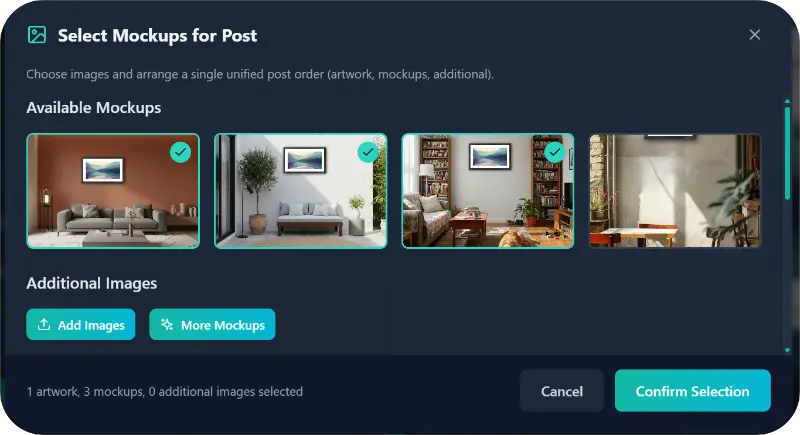
Visualize with Professional Mockups: Get high-quality mockups of your image in different settings, helping your followers visualize your piece in a real-world environment.
How Artists Benefit: More Art, Less Admin
The benefits of letting Brushly handle your social media are clear:
Reclaim Your Studio Time: Spend less time stressing over "the right words" and more time doing what you love—creating.
Boost Your Visibility: Consistently share high-quality content that attracts new followers and potential collectors.
Reduce Digital Overwhelm: Eliminate the mental load of content creation, allowing you to focus on your next masterpiece with a clear mind.
How to Use It: Step-by-Step
Using Brushly to elevate your Twitter/X game is incredibly straightforward:
Log In and Upload: Access your Brushly dashboard and upload the image of the artwork you want to share.
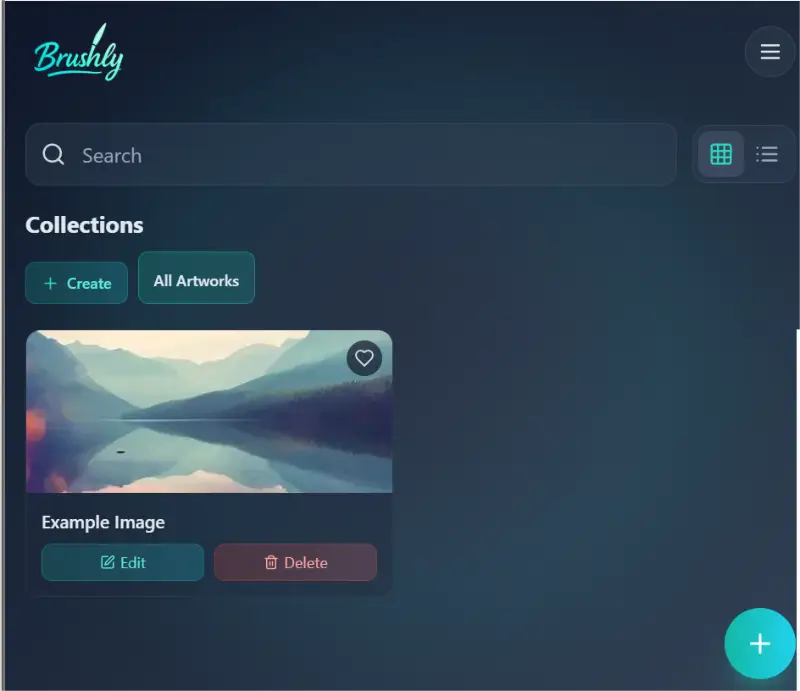
Select Your Art: Click on the uploaded image to open your Brushly Palette of tools.
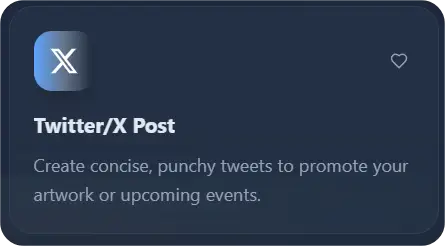
Choose "Twitter/X Post": Select this option to let your assistant analyze the image.
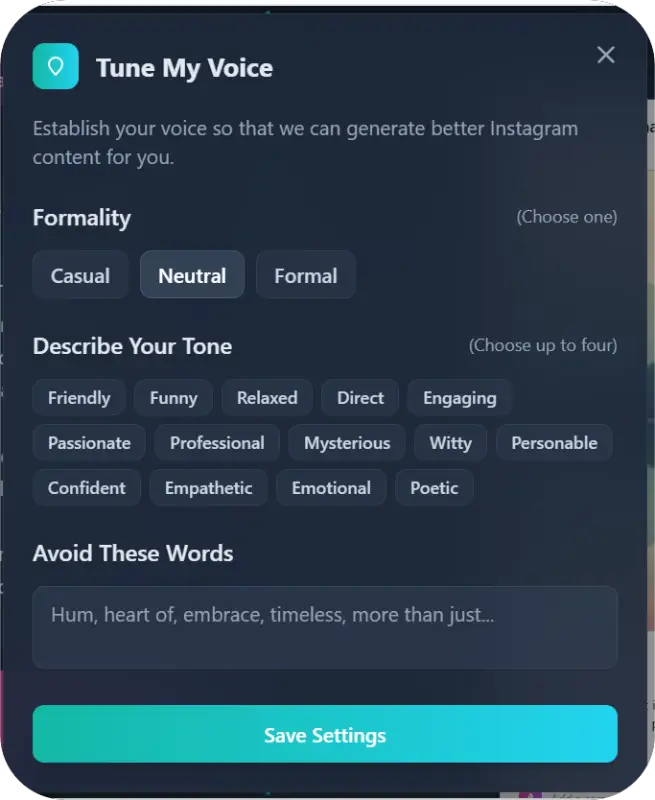
Set Your Preferences: * Formality & Tone: Tell Brushly how you want to sound (e.g., "Inspirational and poetic" or "Direct and professional") - Words to Avoid: List any specific words you want to keep out of your copy.
Get Your Results: Brushly will instantly provide a generated tweet, a recommended posting time, and professional mockups ready for your post.
Ready to Let Your Art Shine?
Stop letting the business side of art overshadow your creative passion. With the Brushly Twitter/X tool, you have a dedicated assistant ready to handle the promotion, so you can get back to the studio.
Log in to Brushly today and reclaim your creative time!